 MADE IN USA



What Is Color Matching?
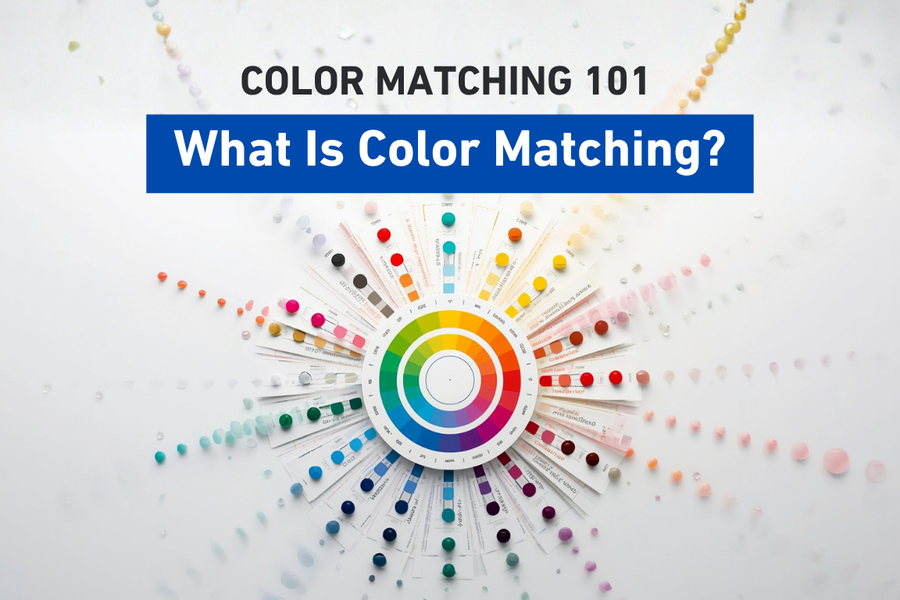
What is color matching, and why does it matter so much in professional printing?
Whether you’re printing a single custom t-shirt or thousands of commercial graphics, one expectation remains the same: the finished product should look exactly as intended. Color matching is the process of producing consistent, predictable colors throughout the entire printing workflow. It is the foundation of professional print production and one of the most important concepts every printer should understand.
What Is Color Matching?
If you've ever printed the same design twice and noticed the colors didn't quite match, you've already experienced why color matching matters.
Color matching is the process of reproducing a desired color as accurately and consistently as possible across different devices, materials, production runs, and viewing conditions.
Although this sounds simple, it's actually one of the biggest challenges in digital printing.
Every device sees and reproduces color differently.
For example, a designer creates artwork on a monitor.
Then, a RIP software interprets that artwork.
Next, a printer converts digital information into ink droplets.
After that, the media absorbs those inks differently depending on its surface.
Meanwhile, lighting changes how the finished print appears.
As a result, each step introduces variables that can affect the final result.
In short, color matching is the science of controlling those variables.
Why Color Matters More Than Most People Realize
Color is often the first thing people notice.
In fact, before someone reads text or looks closely at graphics, they recognize color.
For businesses, color represents identity.
For instance, think about the familiar red of a soft drink company, the blue of a financial institution, or the orange of a construction brand. As a result, customers associate these colors with trust and recognition.
However, when those colors change from one print to another, the brand loses consistency.
Indeed, even small differences can become noticeable when multiple printed pieces are displayed together.
Specifically, for commercial printers, inaccurate color can lead to:
- Customer complaints
- Costly reprints
- Wasted ink and media
- Production delays
- Reduced confidence in the printing process
Overall, consistent color isn't simply about appearance. In other words, it's about delivering predictable results that customers can rely on.
Color Matching Is More Than Choosing the Right Ink
Many people assume color accuracy depends entirely on the ink.
However, while high-quality ink certainly plays an important role, it represents only one piece of a much larger system.
In fact, professional color matching depends on every component working together.
Specifically, these components include:
- The original artwork
- The monitor used for design
- Color spaces
- ICC profiles
- RIP software
- Printer calibration
- Printheads
- Ink chemistry
- Media type
- Environmental conditions
- Lighting
- Operator consistency
For example, think of color matching like baking a cake.
Similarly, using premium ingredients doesn't guarantee a perfect cake if the oven temperature is incorrect or the recipe changes each time.
Likewise, the same principle applies to digital printing.
In short, every step affects the final result.
Why Two Identical Printers Can Produce Different Colors
One of the biggest surprises for new printers is discovering that two identical printers can produce noticeably different output.
How is that possible?
Several factors influence print color, including:
Printer Maintenance
For instance, dirty printheads, clogged nozzles, worn dampers, or improper maintenance affect how ink is delivered.
Environmental Conditions
Similarly, temperature and humidity influence ink behavior, media absorption, and curing.
Media
Likewise, glossy vinyl, matte paper, fabric, UV film, and coated materials all reflect and absorb light differently.
As a result, the exact same artwork may look different simply because it's printed on a different substrate.
RIP Settings
In addition, ink limits, linearization, rendering intent, and ICC profiles all influence final color.
White Ink Performance
Meanwhile, for applications such as DTF, UV DTF, and UV printing, stable white ink circulation contributes to maintaining consistent color reproduction over time.
Overall, these variables demonstrate why successful color matching requires controlling the entire workflow rather than focusing on a single component.
The Goal Isn't Perfect Color
This surprises many people.
In reality, professional printing is rarely about achieving "perfect" color.
Instead, the objective is repeatable color.
For example, imagine printing a customer's logo today.
Then printing it again:
- Tomorrow
- Next week
- Three months later
- Six months later
As a result, if each print matches closely enough that the customer cannot identify a meaningful difference, you've achieved consistency.
Ultimately, repeatability is what separates professional production from unpredictable printing.
Color Matching Creates Confidence
When operators trust their workflow, production becomes smoother.
Instead of making repeated adjustments, they can focus on producing work efficiently.
For example, benefits include:
- Faster production
- Less wasted material
- Fewer customer complaints
- Reduced ink consumption
- Improved scheduling
- More predictable production
- Higher customer satisfaction
Ultimately, confidence comes from knowing what the printer will produce before pressing Print.
Every Device Speaks a Different Language
One reason color matching is challenging is because devices don't describe color the same way.
For instance, a monitor creates color using light.
Meanwhile, a printer creates color using ink.
Similarly, a camera records color differently than either one.
Because each device has its own way of interpreting color, information must constantly be translated throughout the workflow.
Without proper translation, colors shift.
Looking ahead, future episodes will explore how technologies like RGB, CMYK, ICC profiles, and color management systems make these translations possible.
Color Matching Is a Continuous Process
Many people believe color matching is something you do once.
In reality, it's an ongoing process.
For example, professional print shops continually monitor:
- Equipment performance
- Printer calibration
- Ink consistency
- Media selection
- Environmental conditions
- Viewing conditions
- Workflow updates
Consistency isn't maintained by chance.
Instead, it's maintained through repeatable processes.
Why Education Matters
Color science can seem intimidating.
For example, terms like ICC profiles, Delta E, rendering intents, and color gamuts often discourage newcomers.
However, the good news is that you don't need to become a color scientist to improve your printing results.
In fact, understanding the fundamentals can dramatically improve print quality, reduce waste, and make production more predictable.
That's exactly why this Color Matching 101 series exists.
Specifically, each episode builds upon the previous one, gradually introducing the concepts that professional print shops use every day.
Ultimately, by the end of the series, you'll understand not only what causes color variation but how to minimize it through a structured, repeatable workflow.
At STS Inks, we believe that education is one of the most valuable tools available to printers. Indeed, reliable color doesn't come from a single product or setting. Instead, it comes from understanding how every part of the workflow works together. That's why we say Color is in Our DNA.
Conclusion
Color matching is the foundation of professional digital printing.
It is not a single setting, a specific ink, or a piece of software.
It is the result of managing every stage of the printing process so colors remain accurate, consistent, and repeatable.
Whether you're producing apparel, signage, labels, decals, packaging, or specialty graphics, mastering color matching helps reduce waste, improve efficiency, and deliver results your customers can trust.
In the upcoming episodes, we'll begin exploring the individual pieces that make color matching possible, starting with one of the most fundamental concepts in digital printing: RGB versus CMYK.
Key Takeaways
- Color matching is the process of producing consistent and repeatable colors throughout the printing workflow.
- Every stage of production, from artwork to media and lighting, influences the final printed color.
- Successful color matching depends on controlling the entire workflow, not just using quality ink.
- Repeatability is often more important than achieving a theoretically "perfect" color.
- Understanding color science helps reduce waste, improve efficiency, and increase customer confidence.
Frequently Asked Questions
What is color matching in digital printing?
Color matching is the process of reproducing colors as accurately and consistently as possible across different devices, materials, and production runs.
Why is color matching important?
Consistent color improves print quality, strengthens brand recognition, reduces reprints, minimizes waste, and increases customer satisfaction.
Why do colors look different on my monitor than on my printer?
Monitors create color using light (RGB), while printers reproduce color using ink (CMYK). Because these systems produce color differently, the same image may appear different without proper color management.
Can two identical printers produce different colors?
Yes. Differences in maintenance, calibration, media, environmental conditions, RIP settings, and ink behavior can all affect color output.
Does better ink automatically produce better color?
High-quality ink is important, but accurate color also depends on printer calibration, ICC profiles, media selection, workflow consistency, and proper maintenance.
Is perfect color possible?
In most production environments, the goal is not absolute perfection but consistent, repeatable color that meets customer expectations across multiple print runs.
Is color matching only important for large commercial printers?
No. Shops of every size benefit from consistent color because it reduces waste, improves efficiency, and builds customer confidence.
Quick Definitions
Color Matching: The process of reproducing colors accurately and consistently across devices, media, and production runs.
Color Management: A systematic approach to controlling how color is displayed, processed, and printed throughout a workflow.
Repeatability: The ability to produce nearly identical color results over multiple print jobs and production runs.
Workflow: The complete sequence of steps from digital artwork to the finished printed product.
ICC Profile: A standardized file that helps devices translate color consistently. This topic will be covered in detail in Episode 3.
Next Episode
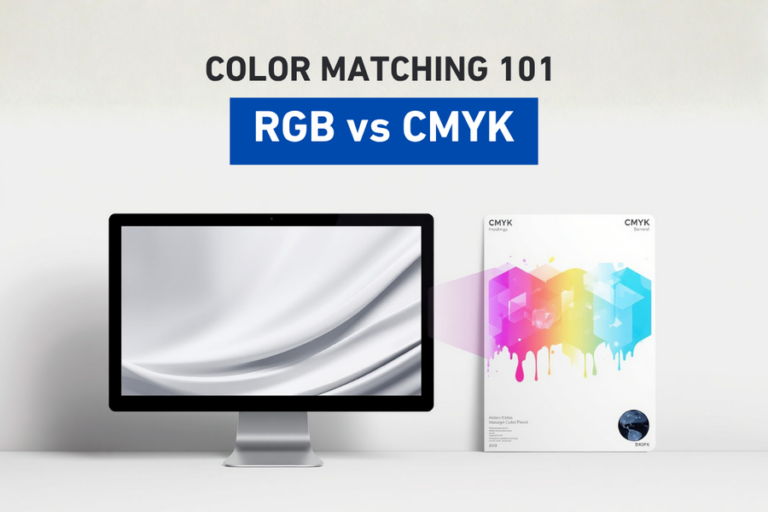
Episode 2: RGB vs. CMYK
Now that you understand what color matching is, the next step is learning why colors appear differently on your screen than they do in print. In Episode 2, we'll explore the differences between RGB and CMYK, how each color model works, and why understanding both is essential for accurate, predictable color reproduction.