 MADE IN USA



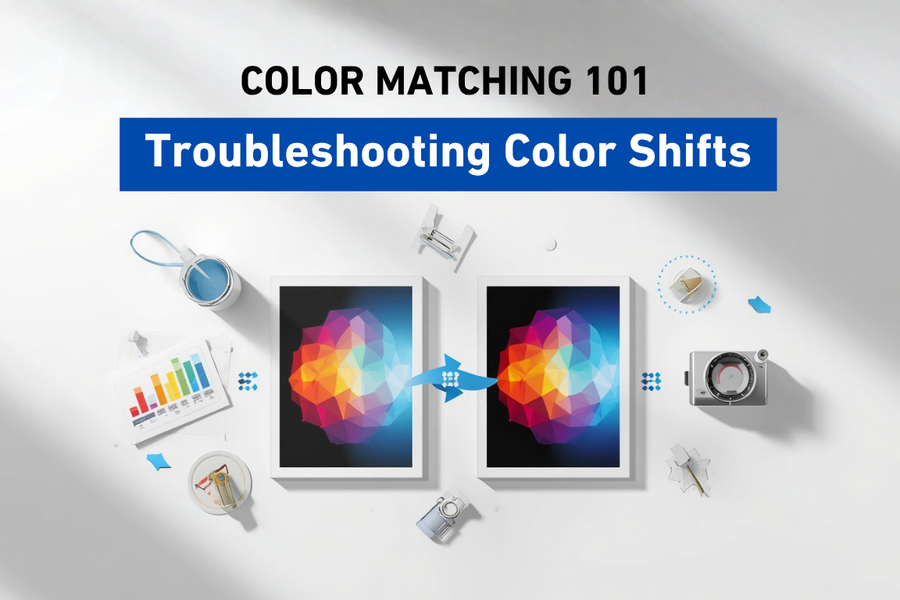
Troubleshooting Color Shifts
When Yesterday's Perfect Print Doesn't Match Today's
Common Causes and Quick Fixes for Color Shifts
Every print shop experiences it sooner or later. A job that looked perfect yesterday suddenly looks different today, even though the artwork hasn't changed. Color shifts can be frustrating, but they rarely happen without a reason. The key is knowing how to identify the cause instead of guessing at the solution.
Don't Panic, Start Investigating
It happens to every print shop. A customer calls and says their reorder doesn't match the original. An operator notices that a familiar logo suddenly looks slightly different. A production manager compares two prints made days apart and immediately sees a color shift.
The first reaction is often to blame the printer or the ink. Sometimes that's the cause. More often, it isn't.
Color shifts are usually the result of one or more small changes somewhere in the printing workflow. Finding the source is much easier when you approach the problem methodically instead of making random adjustments. Think of yourself as a detective. Every clue helps narrow down the possibilities until you discover the real cause.
What Is a Color Shift?
A color shift occurs when printed colors no longer match the expected result. Sometimes the difference is dramatic. Other times it's subtle enough that only an experienced operator notices it.
Examples include:
- A blue logo suddenly looks purple.
- Neutral gray appears slightly green.
- Skin tones seem too warm.
- Black graphics look washed out.
- Colors appear dull compared to previous jobs.
No matter how large or small the difference, the goal is always the same: determine what changed.
Start with the Simplest Question
Before adjusting printer settings or replacing components, ask yourself one question:
What changed?
Color doesn't usually change on its own. Something in the workflow is different maybe the artwork, the media, the lighting, the printer settings, or the environment Finding that change is often the fastest path to a solution.
Check the Artwork First
Diagnosing the Root Cause
It may sound obvious, but mistakes sometimes happen before printing even begins. Ask yourself:
- Is this the same file used previously?
- Was the artwork edited?
- Was it exported with different settings?
- Has the color space changed?
- Was a different PDF or image supplied?
Verifying the artwork takes only a few minutes and can eliminate unnecessary troubleshooting later.
Verify the Media
Earlier in this series, we learned that media has a significant impact on color. Even if two materials appear identical, they may behave differently.
Questions to ask include:
- Is this the same media as the original job?
- Did the manufacturer change?
- Is it a new production batch?
- Has the media been stored correctly?
Small differences in coatings, brightness, or surface texture can influence color.
Confirm the Correct ICC Profile
One of the most common causes of unexpected color shifts is using the wrong ICC profile. For example:
- A glossy profile applied to matte media.
- A profile designed for a different printer.
- An outdated profile.
- An incorrect print mode.
Always verify that the selected ICC profile matches the printer, ink, media, and production settings.
Inspect Printer Maintenance
Maintenance and Environmental Factors
Color problems are sometimes mechanical rather than digital. Routine maintenance should include:
- Performing a nozzle check.
- Looking for missing nozzles.
- Cleaning the printhead if necessary.
- Checking white ink circulation where applicable.
- Confirming ink levels.
- Inspecting maintenance components.
Even a small nozzle issue can affect overall color balance.
Consider the Environment
Remember Episode 8? Lighting changes how color appears. Environmental conditions also influence how printers and media perform.
Changes in:
- Temperature
- Humidity
- Storage conditions
can affect ink behavior and media performance. A stable production environment supports more consistent results.
Avoid Making Multiple Changes at Once
Imagine trying to repair a car while replacing five different parts at the same time. If the problem disappears, which part fixed it? The same principle applies to printing.
When troubleshooting color:
- Change one variable.
- Test.
- Evaluate the result.
- Continue if necessary.
Making multiple adjustments simultaneously often creates more confusion.
Compare to a Known Good Print
Verifying and Documenting Your Fix
Whenever possible, keep approved production samples. These become valuable references during troubleshooting. Comparing today's print to a verified sample can help determine:
- Whether the color has actually shifted.
- Which colors have changed.
- How significant the difference is.
This is also where instruments such as spectrophotometers and Delta E measurements become especially useful.Instead of relying entirely on visual comparison, they provide objective data.
Document What Works
Successful print shops rarely rely on memory alone.They document successful workflows.
That may include:
- Media used.
- ICC profile.
- Resolution.
- Print mode.
- Environmental conditions.
- Maintenance history.
- Production notes.
Good documentation makes future troubleshooting faster and helps maintain consistency between operators.
Build a Troubleshooting Checklist
Rather than reacting differently each time a problem occurs, create a consistent process.A simple checklist might include:
- Verify the artwork.
- Confirm the media.
- Check the ICC profile.
- Perform a nozzle check.
- Inspect maintenance status.
- Review environmental conditions.
- Print a test sample.
- Measure color if necessary.
Following the same sequence every time helps eliminate guesswork.
Prevention Is Better Than Correction
Preventing Future Color Shifts
The easiest color shift to solve is the one that never happens.Many common problems can be avoided through:
- Routine maintenance.
- Consistent media selection.
- Proper storage.
- Standardized workflows.
- Regular calibration.
- Accurate documentation.
- Employee training.
Small daily habits often prevent much larger production problems.
Why Troubleshooting Matters
Every minute spent searching for the wrong solution costs time, materials, and money.A structured troubleshooting process helps operators remain calm, identify the real issue, and restore production more quickly.It also builds confidence throughout the organization.Instead of wondering what might have gone wrong, everyone understands how to investigate the problem logically.
At STS Inks, we believe that reliable color comes from disciplined workflows, quality materials, and continuous learning. The more you understand each step of the printing process, the easier it becomes to identify problems and maintain consistent results. That's why we believe Color is in Our DNA.
Conclusion
Final Thoughts
Color shifts can be frustrating, but they're rarely random. Every unexpected change has a cause, and finding that cause becomes much easier when you approach troubleshooting systematically.
By checking one variable at a time, documenting successful workflows, and maintaining consistent production practices, print providers can solve problems more efficiently and prevent many of them from happening in the first place.
The best troubleshooting isn't about reacting quickly. It's about understanding your workflow well enough to know exactly where to look.
Key Takeaways
- Most color shifts are caused by changes somewhere in the printing workflow.
- Start troubleshooting by asking what changed before making adjustments.
- Verify artwork, media, ICC profiles, and printer maintenance before assuming equipment failure.
- Change one variable at a time to avoid creating additional problems.
- Good documentation and standardized workflows make troubleshooting faster and more effective.
Frequently Asked Questions
What causes color shifts in printing?
Color shifts can result from changes in artwork, media, ICC profiles, printer maintenance, environmental conditions, or production settings.
Should I recalibrate my printer every time colors change?
Not necessarily. First verify that other variables, such as media, artwork, and maintenance, haven't changed.
Can clogged nozzles affect color?
Yes. Missing nozzles can alter color balance, reduce density, and create inconsistent print quality.
Why is documentation important?
Recording successful workflows makes it easier to reproduce results and identify what changed when problems occur.
Should I change multiple settings while troubleshooting?
No. Adjusting one variable at a time makes it much easier to identify the actual cause of the problem.
Can lighting make colors appear to shift?
Yes. Different lighting conditions can change how colors are perceived, even when the printed image itself hasn't changed.
What's the best way to prevent color shifts?
Consistent maintenance, standardized workflows, proper media selection, accurate ICC profiles, and good documentation all help reduce unexpected color changes.
Quick Definitions
Color Shift:
An unexpected change in the appearance of printed color compared to the intended or previous result.
Nozzle Check:
A test print used to verify that all printhead nozzles are functioning correctly.
Workflow Documentation:
A record of production settings and processes used to maintain consistent results.
Production Sample:
An approved print used as a reference for future jobs.
Root Cause:
The underlying reason a problem occurs rather than the visible symptom.
Next Episode
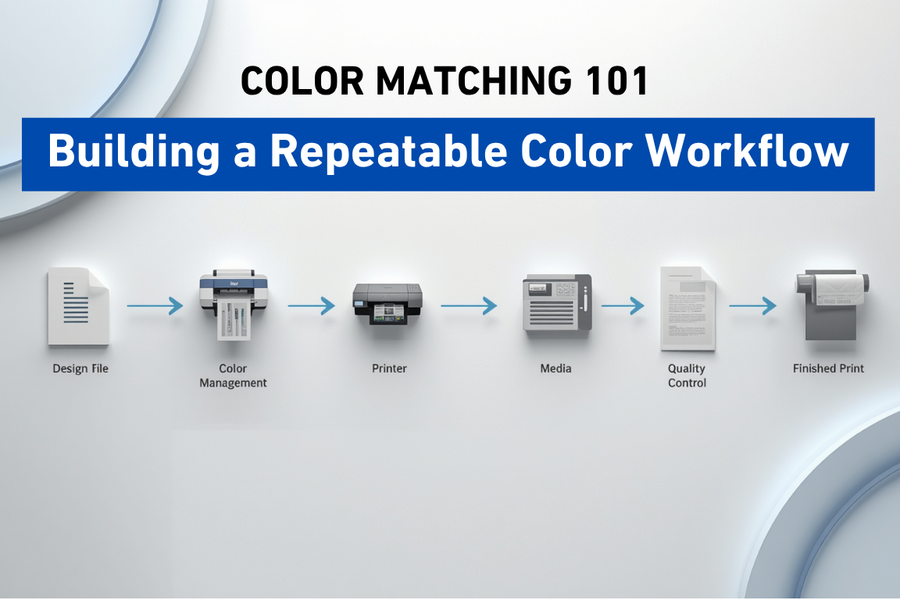
Throughout this series, we've explored the individual pieces of color management. In our final episode, we'll bring everything together and show how consistent workflows, disciplined processes, and continuous improvement help create reliable, repeatable color from the first print to the thousandth.