 MADE IN USA



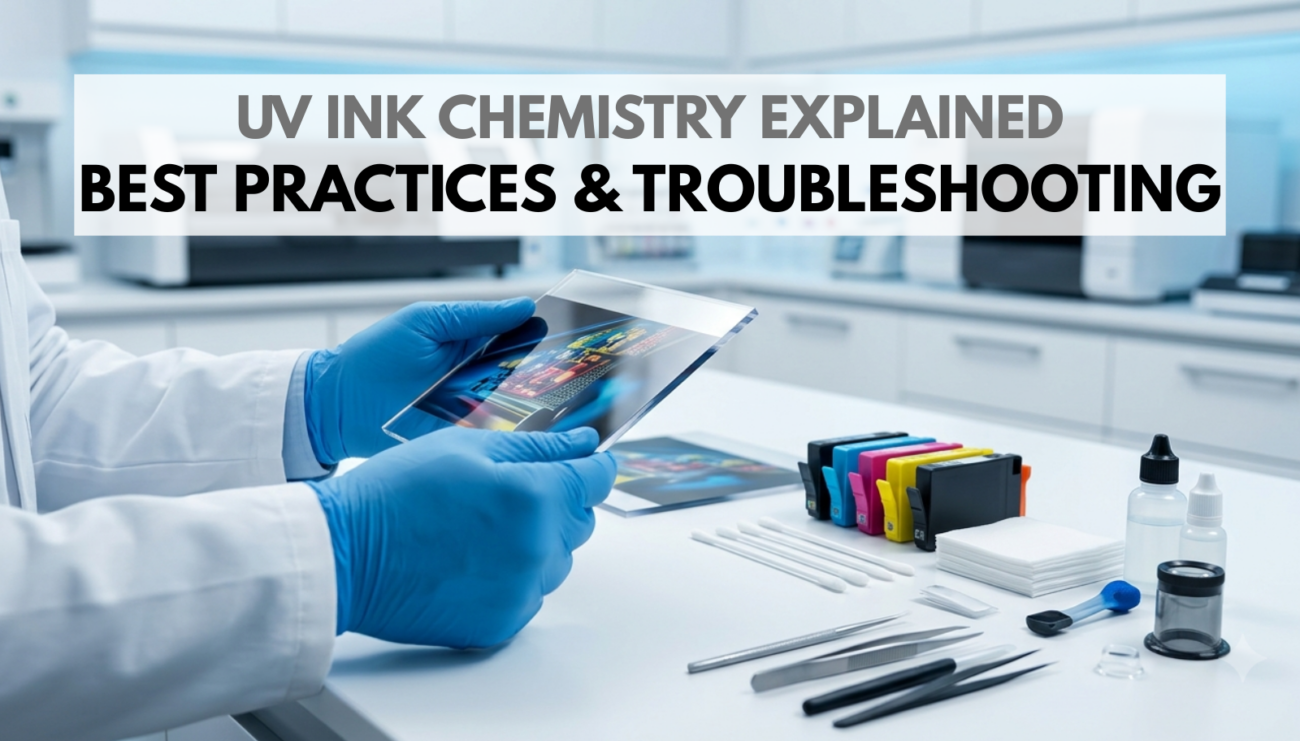
UV Printing Best Practices: How to Improve Print Quality and Reduce Problems
By now, you've learned what UV ink is, what it's made of, how it cures and why it produces such durable prints. However, even the most advanced UV printer cannot deliver consistent results without the right operating practices. In fact, print quality depends on much more than the equipment itself. Maintenance routines, substrate preparation, environmental conditions and proper curing all play a role in producing vibrant, long-lasting graphics. Fortunately, many common UV printing issues can be prevented with a few simple habits. Throughout this article, we'll bring together everything we've covered throughout the series and provide practical guidance that print shops, technicians and operators can apply every day. Ultimately, understanding these best practices will help you improve print consistency, reduce downtime and achieve more reliable results. Following UV printing best practices helps prevent many common print quality issues.
First, consistent maintenance helps prevent many common UV printing problems. Additionally, proper substrate preparation improves adhesion and print quality. Furthermore, checking curing performance makes troubleshooting faster and more accurate. Finally, following a repeatable workflow helps operators reduce waste and achieve more reliable results.
Start with a Clean Printer
Reliable printing begins before the first job is loaded.
Dust, dried ink and debris can affect print quality, reduce reliability and even shorten the life of important printer components.
Routine cleaning should include:
- Wiping approved surfaces with manufacturer-recommended cleaning solutions
- Cleaning around the printhead area
- Inspecting capping stations
- Checking wiper blades
- Removing dust from media paths
- Emptying waste ink containers when required
Preventive maintenance is almost always easier and less expensive than repairing avoidable problems.
Maintain Healthy Printheads
Maintain Healthy Printheads
Printheads are among the most important components in any UV printer.
Small nozzle blockages can quickly lead to:
- Missing lines
- Banding
- Inconsistent color
- Reduced image sharpness
Many modern printers include automated cleaning routines, but operators should still perform regular nozzle checks and address problems early before they become more serious.
As a result, ignoring small print defects often leads to larger maintenance issues later.
Prepare Every Substrate Properly
A clean substrate provides the best foundation for strong ink adhesion.
Even materials that appear clean may contain:
- Dust
- Fingerprints
- Manufacturing oils
- Static electricity
- Protective residues
As a result, cleaning the surface before printing helps maximize adhesion and overall print durability.
Some specialty materials may also require primers or adhesion promoters, depending on the application.
Use Compatible Materials
Not every material behaves the same during UV printing.
Factors such as surface energy, texture and flexibility influence how well ink bonds to the substrate.
Whenever introducing a new material, it's good practice to perform small test prints before beginning full production.
In addition, testing helps identify potential adhesion or curing issues early while minimizing waste.
Verify Proper Curing
One of the most important aspects of UV printing is ensuring that every print cures completely.
Proper curing depends on several variables working together:
- Lamp output
- Print speed
- Ink thickness
- Distance between the lamp and substrate
- Ink formulation
A print that appears dry may still be under-cured if insufficient UV energy reaches the ink.
Therefore, monitoring curing performance helps prevent durability problems later.
Store Ink Correctly
Store Ink Correctly
UV ink is formulated to remain stable until exposed to ultraviolet light.
Proper storage helps preserve this stability.
General recommendations include:
- Store ink in a cool, dry location.
- Keep containers tightly sealed.
- Avoid unnecessary exposure to direct sunlight.
- Follow the manufacturer's recommended storage temperatures.
- Rotate inventory using first-in, first-out practices.
Ultimately, correct storage helps maintain consistent print performance throughout the ink's usable life.
Control the Printing Environment
Although UV printing is less sensitive to environmental conditions than many traditional printing methods, the surrounding workspace still matters.
Maintaining a clean, controlled production area helps reduce contamination and improves overall consistency.
Ideal production environments minimize:
- Excessive dust
- Rapid temperature changes
- High humidity
- Static buildup
- Direct sunlight near stored materials
As a result, stable conditions contribute to repeatable print quality from one job to the next.
Recognize Common Print Quality Problems
Understanding the symptoms of common issues allows operators to respond quickly.
Banding
Possible causes:
- Clogged nozzles
- Printhead alignment issues
- Ink delivery interruptions
Poor Adhesion
Possible causes:
- Dirty substrate
- Incorrect material selection
- Under-curing
- Incompatible ink
Sticky or Tacky Prints
Possible causes:
- Insufficient UV exposure
- Aging UV lamps
- Excessive print speed
- Incorrect curing settings
Inconsistent Color
Possible causes:
- Nozzle loss
- Ink contamination
- Improper color management
- Printhead maintenance issues
Gloss Variations
Possible causes:
- Uneven curing
- Variable ink thickness
- Surface contamination
Troubleshooting Starts with the Basics
When print quality changes unexpectedly, avoid assuming the most complicated explanation.
Instead, work through a logical process.
Ask questions such as:
- Has anything changed since the last successful print?
- Is the substrate clean?
- Are nozzle checks normal?
- Is the UV curing system operating correctly?
- Is the ink within its recommended shelf life?
- Have printer settings been modified?
Overall, systematic troubleshooting often identifies the root cause more quickly than making multiple adjustments at once.
Perform Regular Quality Checks
Small quality checks throughout the day can prevent larger production issues.
Many shops include routine inspections such as:
- Nozzle tests before production
- Color verification
- Adhesion testing
- Visual inspection under proper lighting
- Periodic maintenance checks
As a result, these simple habits improve consistency while reducing costly reprints.
Keep Operator Training Current
Even the most advanced equipment relies on knowledgeable operators.
Training helps employees understand:
- Ink chemistry
- Printer operation
- Maintenance procedures
- Safety practices
- Troubleshooting methods
- Material compatibility
Ultimately, continuous education helps maintain consistent quality as equipment and technology evolve.
Safety Always Comes First
UV printing systems involve moving mechanical components, electrical systems and ultraviolet light sources.
Operators should always:
- Follow manufacturer safety procedures.
- Wear recommended personal protective equipment when appropriate.
- Avoid direct exposure to UV light.
- Handle inks and cleaning solutions according to their safety documentation.
- Maintain adequate workplace ventilation where required.
Overall, safe operating practices protect both employees and equipment.
Bringing Everything Together
Throughout this series, we've explored the science behind UV ink from the inside out.
We've learned:
- What UV ink is
- The ingredients that make it work
- How ultraviolet light initiates curing
- Why polymerization creates durable prints
- The practical steps that help achieve consistent production
Each topic builds upon the last.
Understanding the chemistry behind UV printing makes troubleshooting easier because operators recognize why problems occur instead of simply memorizing solutions.
The Future of UV Printing
The Future of UV Printing
UV printing technology continues to evolve through advances in chemistry, LED curing systems and printer engineering.
Future developments may include:
- More sustainable raw materials
- Improved adhesion across difficult substrates
- Faster curing systems
- Expanded color gamuts
- Greater automation
- Enhanced durability
As these innovations continue, the core chemistry behind UV curing will remain the foundation of modern UV printing.
Final Thoughts
Successful UV printing is built on a combination of science, consistency and attention to detail. While advanced ink formulations and modern UV printers provide incredible capabilities, the best results come from operators who understand the complete printing process and follow proven best practices every day.
From routine maintenance and proper substrate preparation to verifying curing performance and troubleshooting systematically, each step contributes to higher-quality prints and more reliable production.
Whether you're new to UV printing or have years of experience, continuing to learn the science behind the technology helps you produce better results, reduce waste and confidently tackle new applications.
At STS Inks, we believe that education is one of the most valuable tools in the printing industry. We hope this series has provided a stronger understanding of UV ink chemistry and the principles that drive consistent, high-quality UV printing.
Key Takeaways
Preventive maintenance improves printer reliability.
Additionally, regular nozzle checks help identify issues before they affect production.
Clean substrates promote better ink adhesion.
Proper curing is essential for durability.
Compatible materials produce more consistent results.
Stable environmental conditions improve repeatability.
Systematic troubleshooting saves time and reduces waste.
Routine quality checks prevent costly reprints.
Finally, ongoing operator training strengthens production consistency.
Understanding UV chemistry leads to better printing decisions.
First, understanding these best practices helps build a stronger foundation for successful UV printing. Additionally, applying proper maintenance and substrate preparation improves print quality and consistency. Furthermore, identifying common issues early makes troubleshooting faster and more effective. Ultimately, following these recommendations helps maximize printer performance, reduce downtime and produce reliable, long-lasting UV prints. Proper maintenance is one of the most important UV printing best practices for reliable production.
FAQ
What is the most important factor in achieving consistent UV print quality?
There isn't a single factor. Instead, consistent results come from maintaining the printer, preparing substrates properly, using compatible materials and ensuring the ink cures correctly.
Why is substrate preparation so important?
Dust, oils and other contaminants can interfere with ink adhesion. As a result, cleaning the material before printing helps create a stronger bond between the cured ink and the surface.
How often should UV printers be maintained?
Maintenance schedules vary by manufacturer and production volume. However, routine nozzle checks, cleaning procedures and inspections should become part of daily operation.
What causes UV prints to remain sticky after printing?
Sticky prints are often caused by under-curing, aging UV lamps, incorrect curing settings or printing too quickly for the available UV energy. Therefore, verifying curing performance should be one of the first troubleshooting steps.
Can environmental conditions affect UV printing?
Yes. Excessive dust, large temperature fluctuations, humidity and static electricity can all influence print consistency. For this reason, maintaining a clean production environment is important.
What should operators check first when troubleshooting print defects?
Start with the basics. First, perform a nozzle check, inspect the substrate, verify curing performance and confirm that printer settings haven't changed unexpectedly.
Why is operator training important in UV printing?
Understanding how UV ink, curing and substrates interact helps operators identify problems more quickly. Consequently, they can reduce waste and produce more consistent results.
What's the biggest takeaway from this UV ink chemistry series?
The best UV prints result from combining quality materials, proper equipment maintenance and a solid understanding of the chemistry behind UV printing. Ultimately, knowledge is the foundation of consistent, high-quality production.
Thank you for joining us throughout the UV Ink Chemistry Explained series.
We hope these articles have made the science behind UV printing easier to understand while providing practical knowledge you can apply in your own production environment. Whether you're a print shop owner, equipment dealer, technician or someone new to digital printing, understanding the fundamentals of UV ink chemistry is the first step toward producing more consistent, reliable and durable prints.
As UV technology continues to evolve, one thing remains constant: success starts with knowledge. We look forward to continuing to share educational resources that help the printing community grow with confidence.